
Upload Your Log.Get a Full Diagnosis.
Drop your HWiNFO CSV and our AI instantly detects bottlenecks, thermal issues, and frame drops — with prioritized fixes.
HWiNFO Analysis
Upload your HWiNFO log and get a full diagnostic report — health score, bottleneck detection, interactive charts, and prioritized fixes.
Before / After Compare
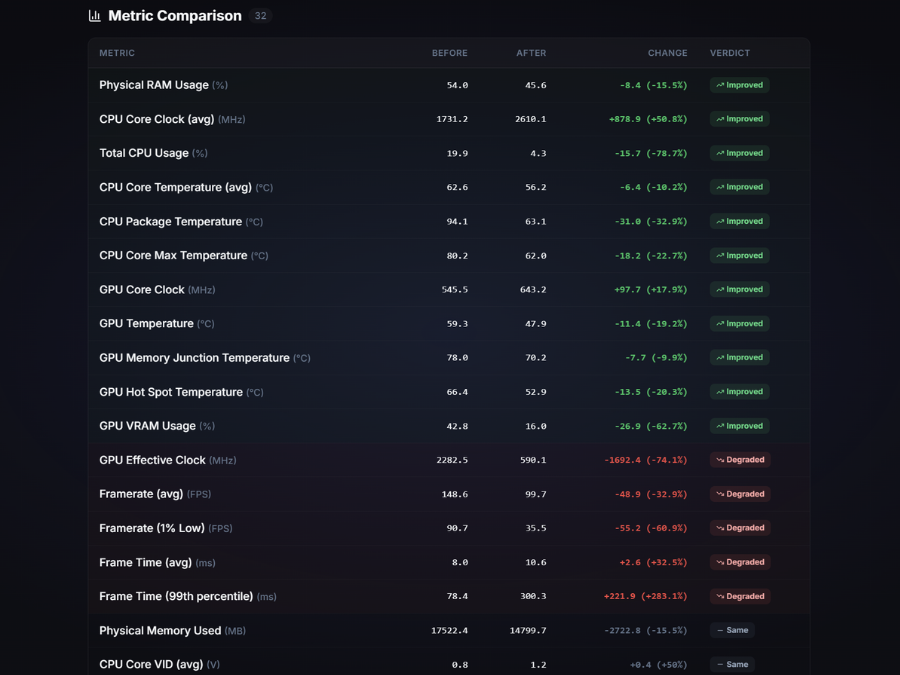
Upload two HWiNFO logs to see exactly what changed — temperatures, usage, FPS — with an AI-powered summary of the differences.
See It in Action
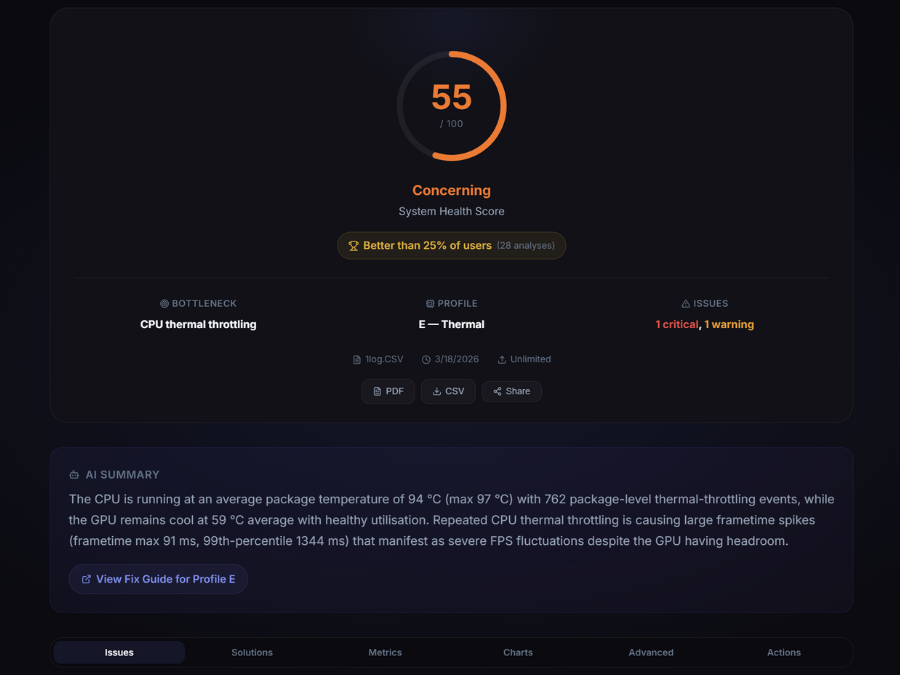
Real screenshots from actual analyses — health scores, charts, issue detection, and before/after comparisons.
 Health Score
 Issue Detection
 Charts
 Compare
 Root Cause
 Improvement
Best PC Game Settings — Optimized for Your Hardware
Every setting tested across 4 hardware tiers — from budget GTX 1650 builds to RTX 4090 Ultra rigs. Per-setting FPS impact data, known issue fixes, and competitive vs. casual recommendations.
Try These First
Common fixes that solve 80% of issues
Popular Guides
Common Questions
Why do I stutter even with a powerful PC?
Stuttering is often caused by software issues, driver problems, or frame pacing mismatches — not raw power. Even a high-end PC can stutter from background processes, outdated drivers, or v-sync misconfiguration.
Is stuttering the same as low FPS?
No. You can have 100+ FPS and still experience stuttering due to inconsistent frame delivery. Stuttering is about frame timing, not frame rate.
What is HWiNFO and why do I need it?
HWiNFO is a free tool that logs your hardware sensor data (temps, clocks, usage) while gaming. Uploading this log lets our AI analyze exactly what your hardware was doing when you experienced issues — instead of guessing.